
Workspace
How to Set Up a Workspace in a Small Room
A small room can still work as a comfortable workspace. Learn how to choose the right desk location, furniture, storage, lighting, and layout without overcrowding the room.
By Ronald Dadivas · Published 2 September 2026 · Updated 30 September 2026
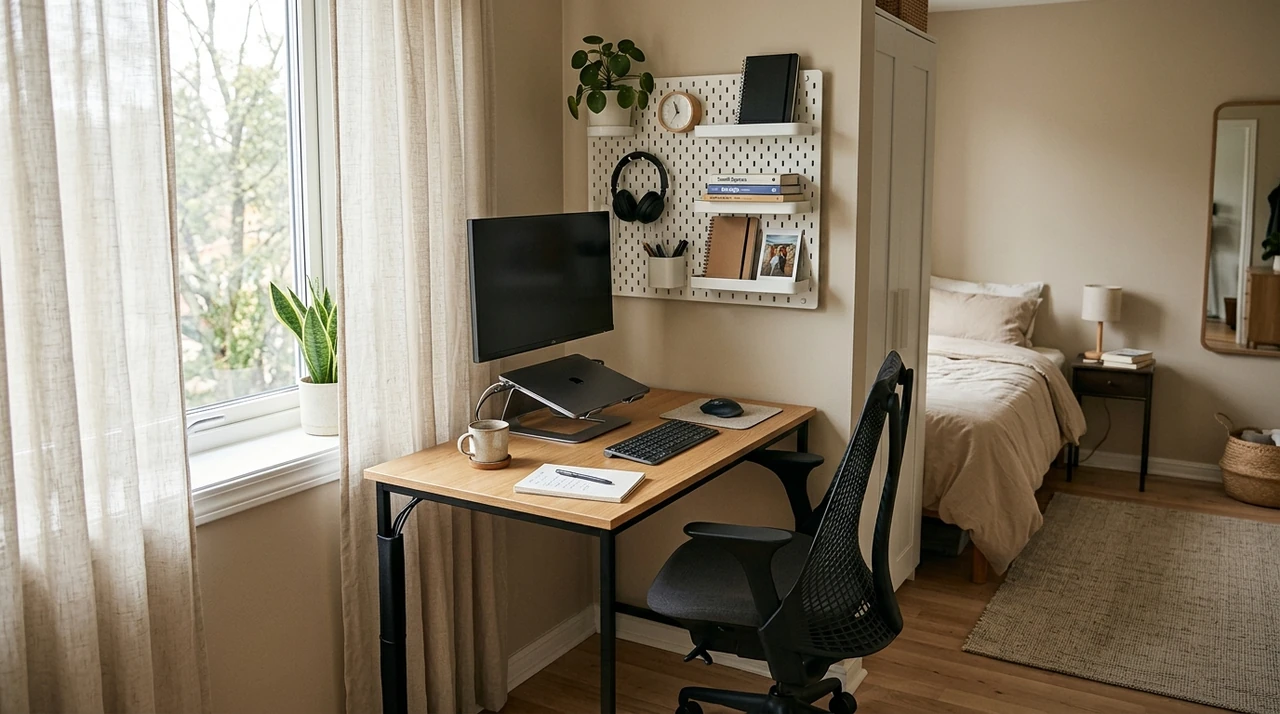
A small room doesn't give you much room for mistakes.
Put your desk in the wrong spot and you may block a walkway. Choose a desk that's too deep and your chair may become difficult to use. Add too much storage and your workspace can start taking over the room.
The answer isn't to squeeze a full-size office into a smaller footprint. It's to decide what your space needs to do, then build your workspace around those limits.
You might be working from a bedroom, a studio apartment, a small spare room, a living room, or one unused corner of your home. In each case, the process is similar: figure out where your workspace can go, make sure you still have room to move, choose furniture that fits the work you actually do, and keep your equipment from spreading into the rest of the room.
Here's how to make the most of the space you have.
Start by Measuring the Space You Actually Have
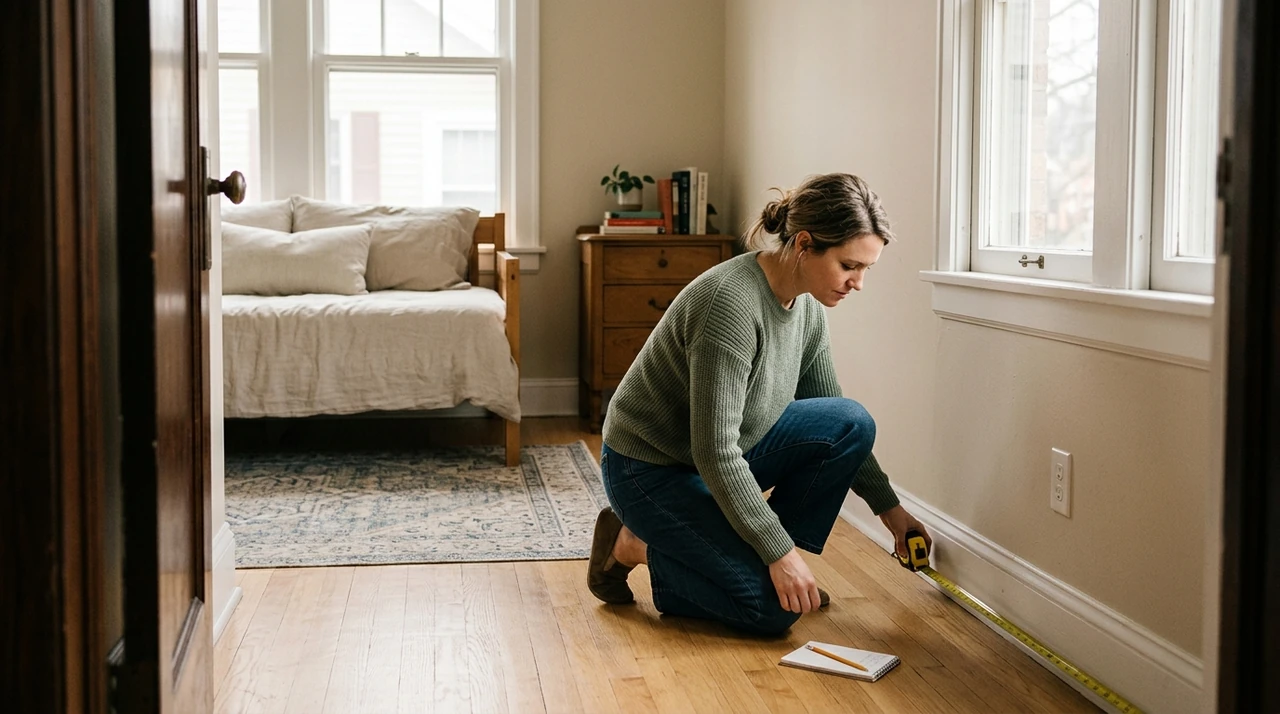
Before you buy a desk, chair, shelf, or monitor, measure the area where you want to work.
You don't need a detailed architectural drawing. You just need enough information to understand what will fit.
Measure:
- The available wall length
- The distance from the wall to nearby furniture
- Door and closet swings
- Window locations
- Electrical outlets
- Where you can comfortably pull out your chair
- The main walking paths through the room
Don't measure the empty floor alone. Think about how the room works when you're actually using it.
A desk might technically fit against a wall, for example, but that doesn't mean the setup works. If your chair blocks the doorway whenever you sit down, you've created a workspace that fits on paper but fails in everyday use.
This is why it helps to think about usable space, rather than simply the size of the room.
OSHA's computer workstation guidance also recommends considering how your workstation components fit together rather than looking at each piece of equipment separately.
Choose Your Desk Location Before You Choose Your Desk
One of the easiest mistakes to make is buying a desk first and trying to figure out where it should go afterward.
Reverse that process.
Look around your room and identify two or three possible locations. Then consider what each location gives you and what it takes away.
For example, one wall might give you more desk space but leave your chair close to a walkway. A corner might save floor space but make it harder to access an outlet. A position near a window might give you better daylight but introduce glare on your monitor.
There isn't one universally correct desk position.
Your best location depends on how you use the room.
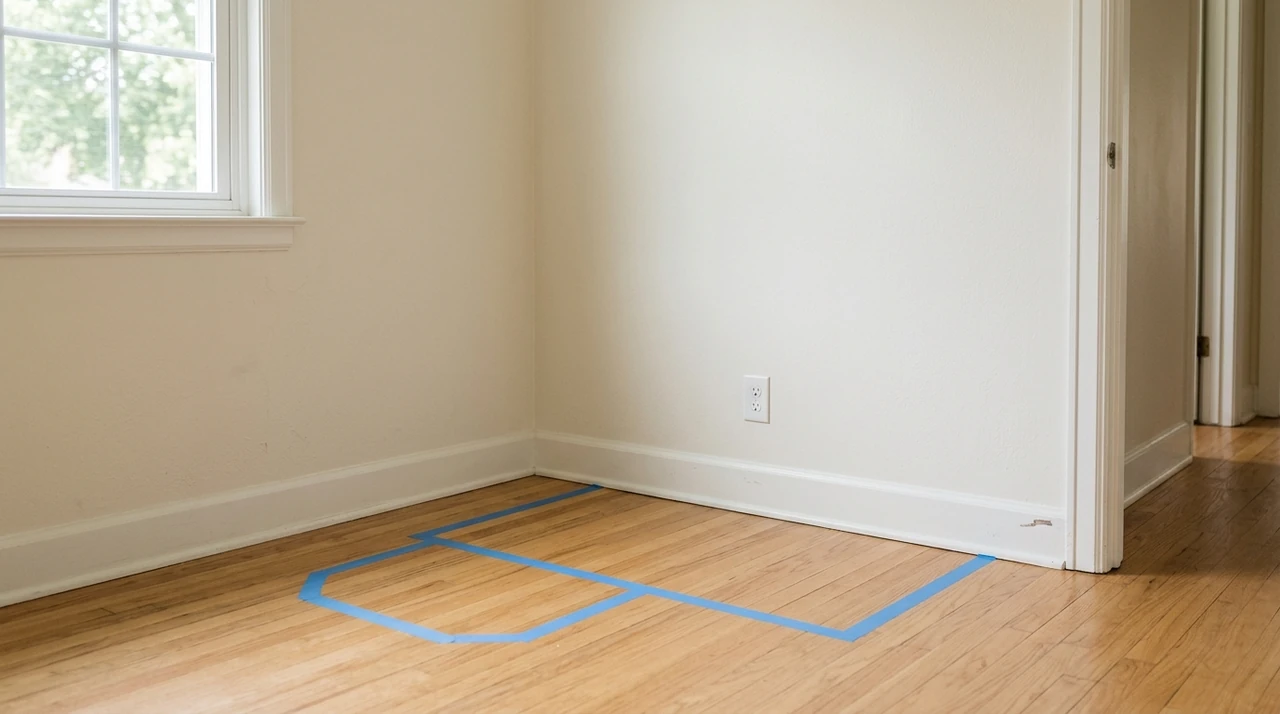
If you're unsure, use painter's tape to mark the approximate footprint of the desk on the floor. Put a chair where you would normally sit and walk around the room.
Open the door. Walk past the chair. Sit down. Pretend you're working.
You'll often notice a layout problem before you've spent any money.
Make Sure You Leave Enough Space for Your Chair
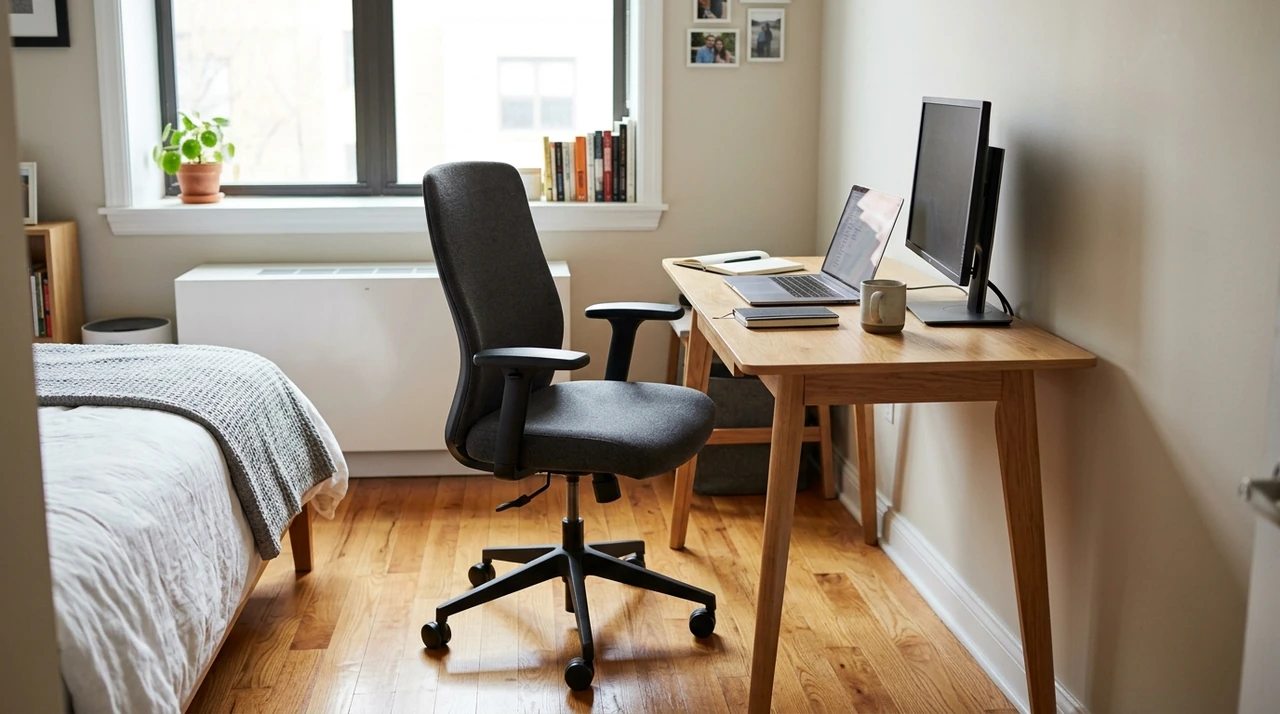
Your desk isn't the only thing that needs to fit.
Your chair needs space too.
This is especially important in a bedroom or multipurpose room where the area behind your desk may also be a walkway.
Sit at the desk and pull the chair out as you normally would. Then check whether you can still move comfortably around it.
If you have to push the chair against a bed every time you stand up, or move it out of the way whenever someone walks through the room, the workspace may be using the wrong part of the room.
Think about the entire movement around your desk:
“Sit → work → stand → move away”
All four should be possible without fighting the furniture.
Keeping walkways clear also matters for basic office safety. CDC/NIOSH's guidance on office environments identifies cords across walkways and other poorly arranged elements as potential physical hazards in office environments
Choose a Desk That Fits Your Work, Not Just Your Room
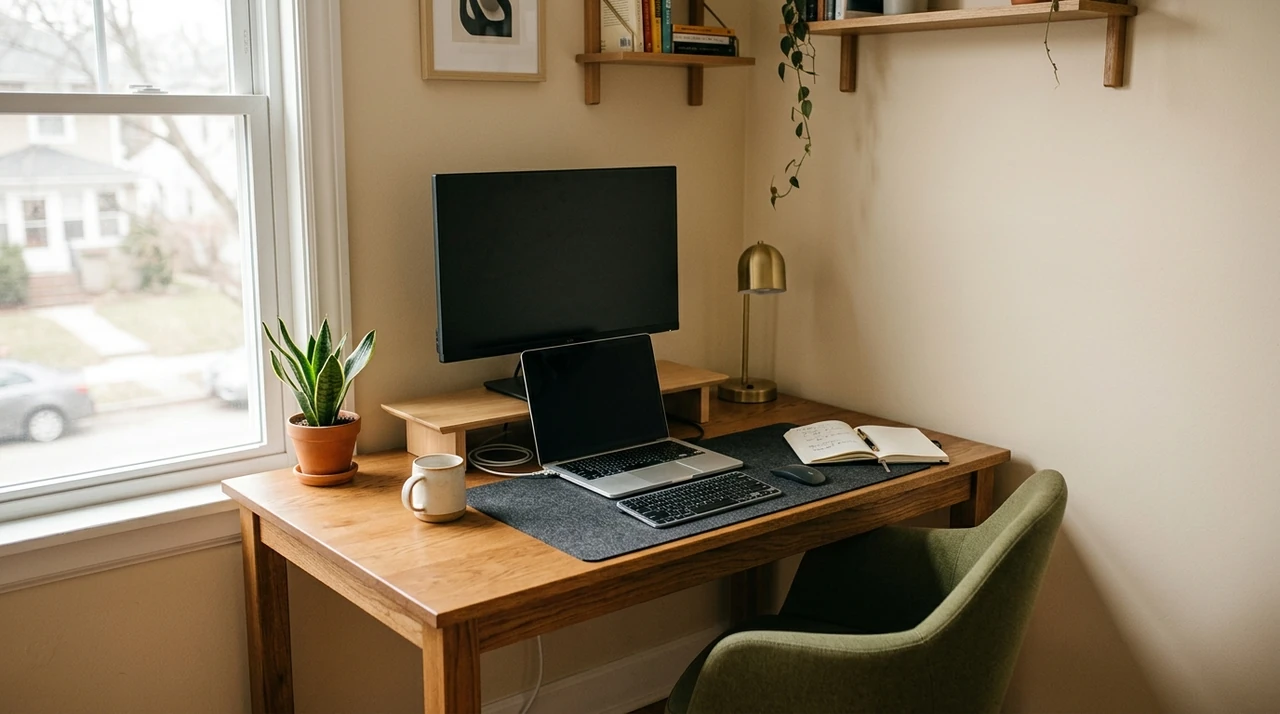
A smaller room doesn't automatically mean you need the smallest desk you can find.
Your desk still needs to support the work you do.
If you mostly use a laptop, you may need little more than space for the computer, mouse, notebook, and a drink.
If you use a large monitor, keyboard, speakers, paperwork, or multiple devices, you'll need more usable surface area.
Before choosing a desk, ask yourself:
- Do you use a laptop or desktop?
- Do you need one monitor or two?
- Do you regularly write on paper?
- Do you keep equipment on the desk all day?
- Do you need space for video calls?
- Do you need to move things around while working?
Then choose the smallest desk that comfortably supports those activities.
The goal isn't to make your desk as small as possible.
It's to avoid using desk space that you don't need while still having enough room to work without constantly rearranging everything.
Use Your Walls When You Run Out of Floor Space
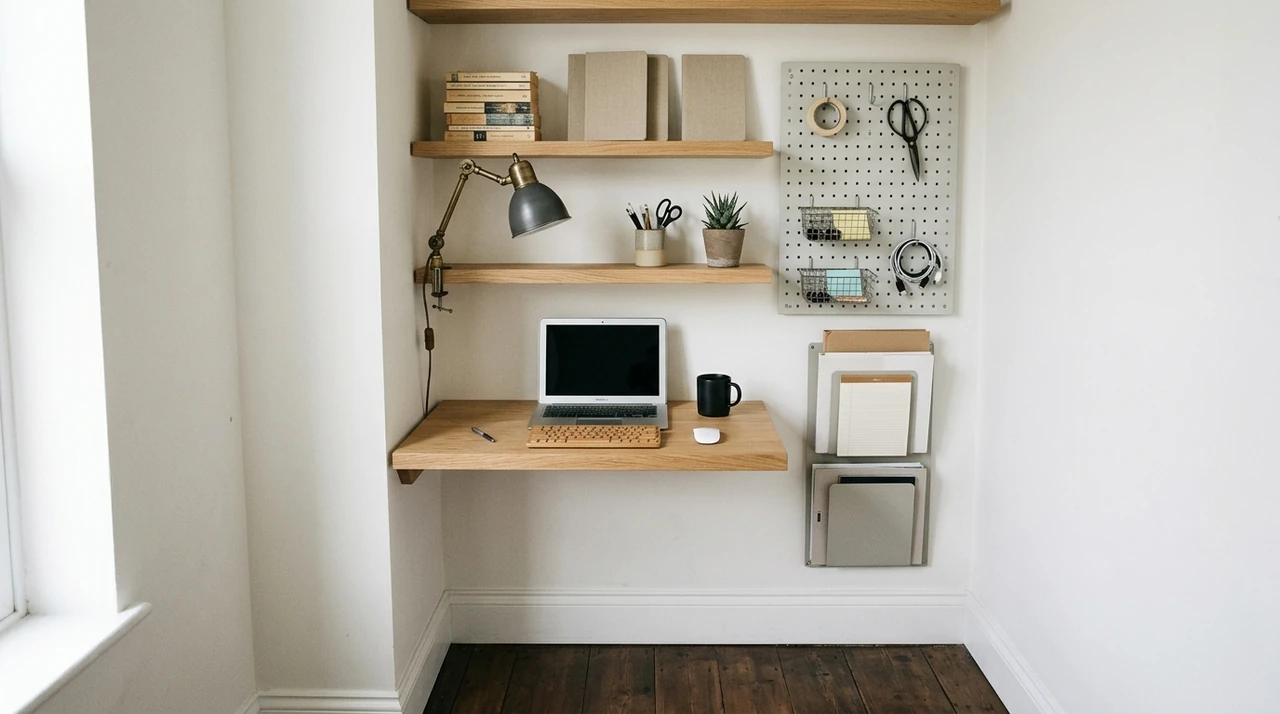
When floor space is limited, look upward.
Walls can give you storage without taking up another section of the floor.
Depending on your room, you could use:
- Floating shelves
- Wall-mounted cabinets
- Pegboards
- Narrow shelving
- Monitor arms
- Wall hooks
- Small storage containers
The important part is not to fill every inch of wall.
Use vertical storage for things that would otherwise occupy your desk or floor.
For example, notebooks and supplies you use occasionally don't necessarily need to sit beside your keyboard all day. Moving them to a shelf can give your main work surface more room.
If you're renting, check what your lease allows before drilling into the wall. You can also look for freestanding narrow shelving or removable storage solutions when permanent mounting isn't an option.
Keep Your Desk Clear Without Emptying It
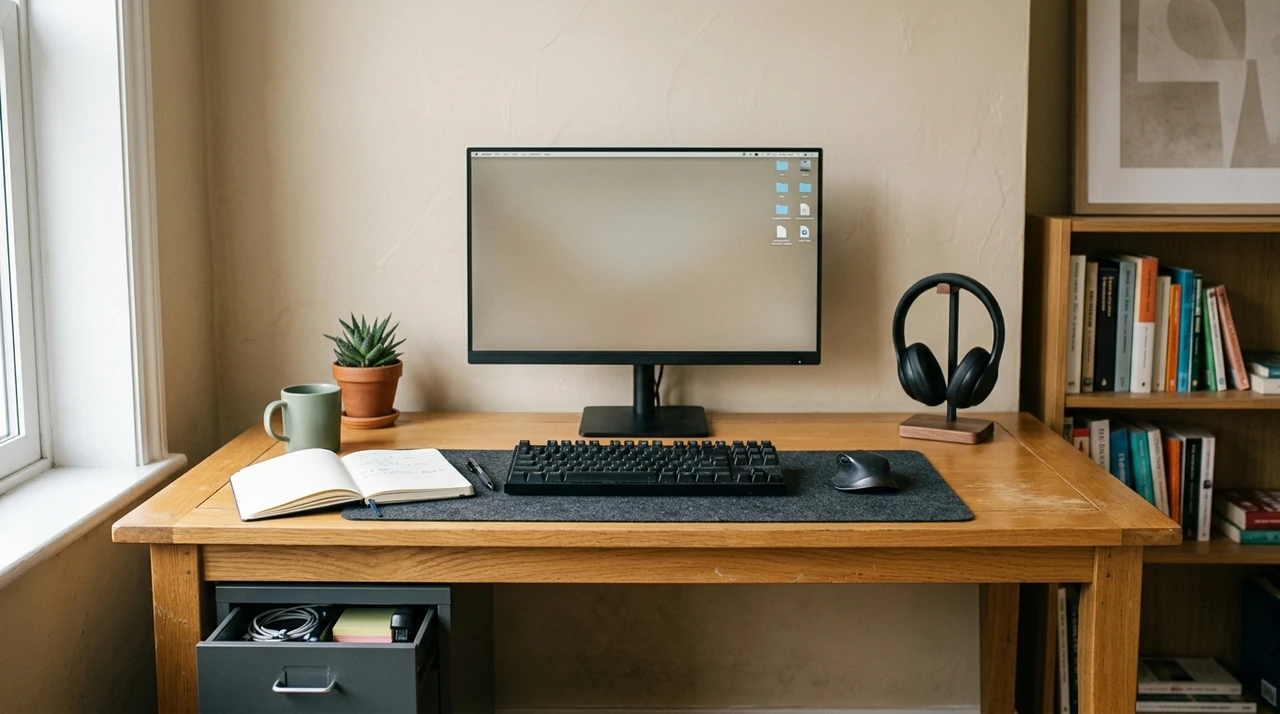
A small desk becomes frustrating quickly when every available inch is occupied.
Try separating your workspace into three groups
“Things you use constantly”
Keep these within easy reach
“Things you use occasionally”
Move them to a nearby drawer, shelf, or cabinet.
“Things you rarely use:”
Store them somewhere else.
This sounds simple, but it can make a difference when your desk is small.
You don't need an empty desk. You need a desk where the things you actually use have a logical place.
That also makes it easier to reset the workspace at the end of the day.
Put Your Desk Where the Light Works With You
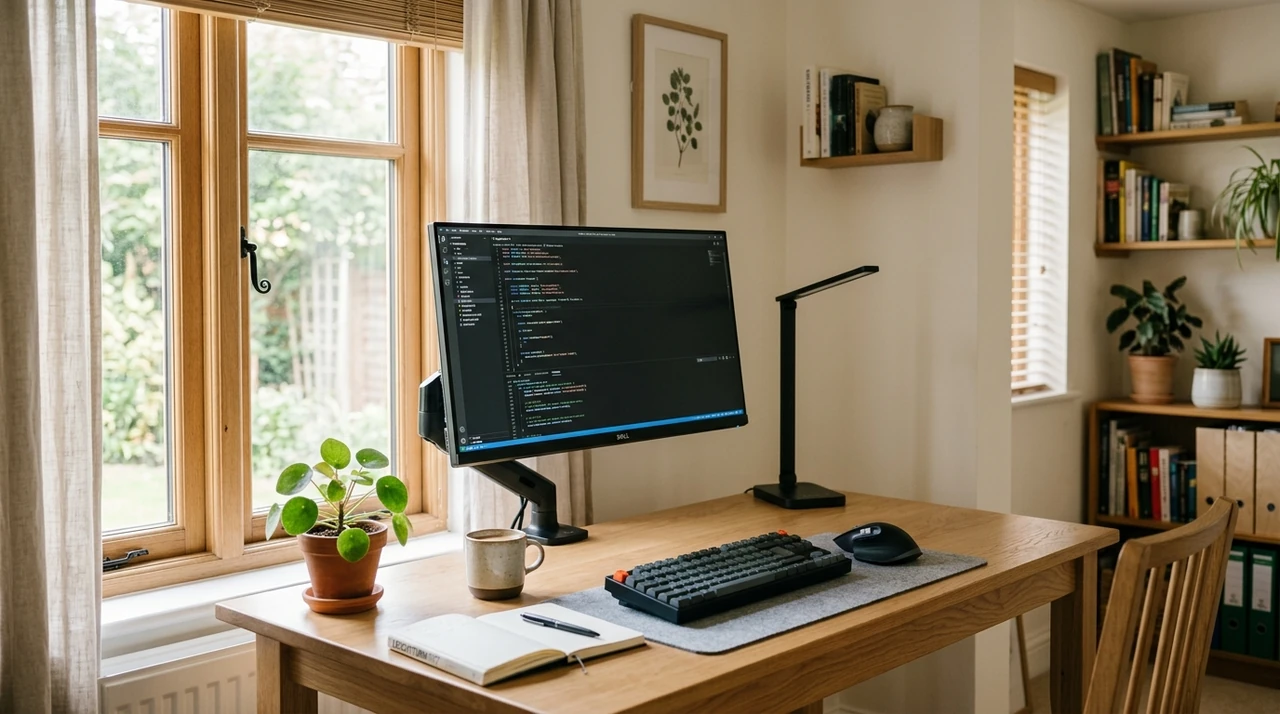
Lighting can become a bigger problem in a small room because you have fewer places to move the desk.
Natural light can be useful, but don't automatically assume that putting your desk directly in front of a window is the best choice.
Your monitor can reflect the window and create glare. Strong light behind you can also make it harder to see your screen.
If possible, experiment with placing the window to the side of your screen rather than directly in front of or behind it.
You can then adjust blinds, curtains, monitor brightness, or your task lighting as needed.
A simple adjustable desk lamp can also help when the room is too dark for comfortable work.
CDC/NIOSH's guidance on office environments recommends paying attention to environmental factors such as lighting when creating a work environment.
Give Your Workspace a Boundary
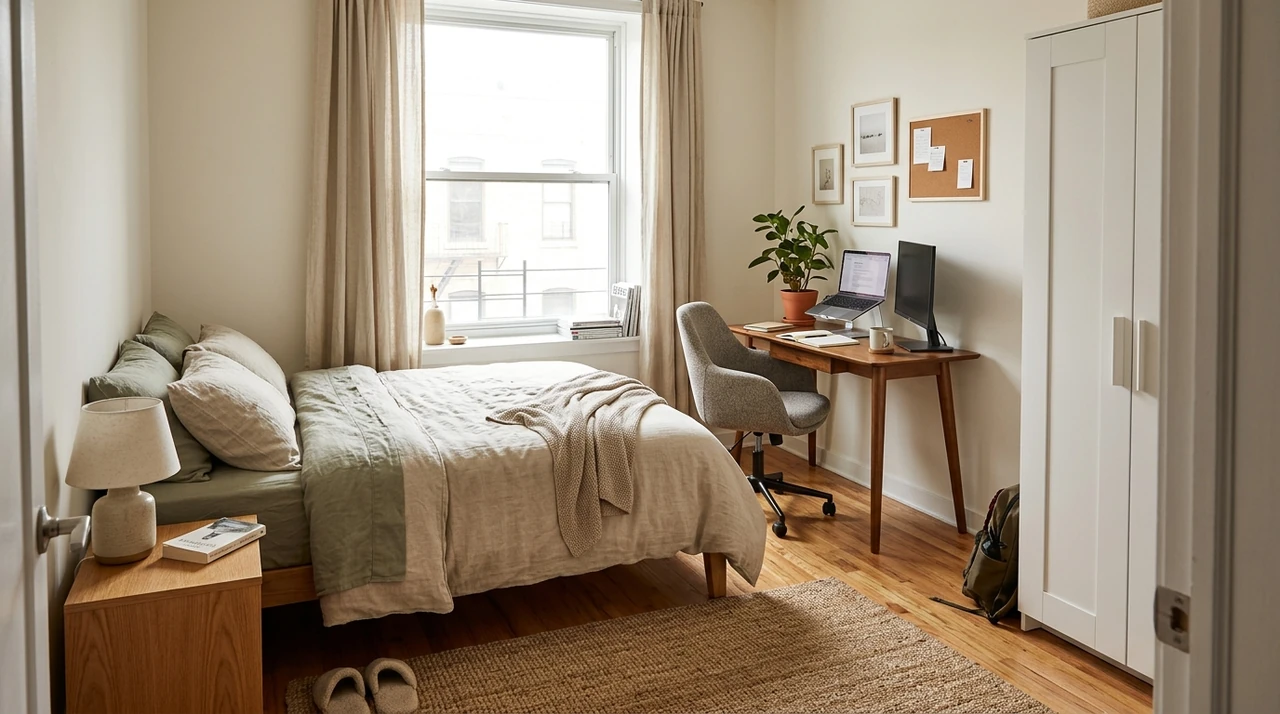
If your workspace is in a bedroom, living room, or another room with a different purpose, give it some kind of boundary.
You don't necessarily need a wall.
The boundary could be
- A particular corner
- A small rug
- A shelf
- A different lighting setup
- A dedicated desk
- A change in wall color
- A curtain
- Simply keeping work equipment within one defined area
The purpose isn't just appearance.
When your work area has a clear place, it's easier to keep equipment from spreading across the room.
This is particularly useful if your bedroom doubles as your office. At the end of the workday, you want to be able to identify what belongs to work and what belongs to the rest of your room.
NIOSH's guidance on working from home also discusses creating boundaries between work and home life when working remotely.
Make Your Setup Work With the Rest of Your Room
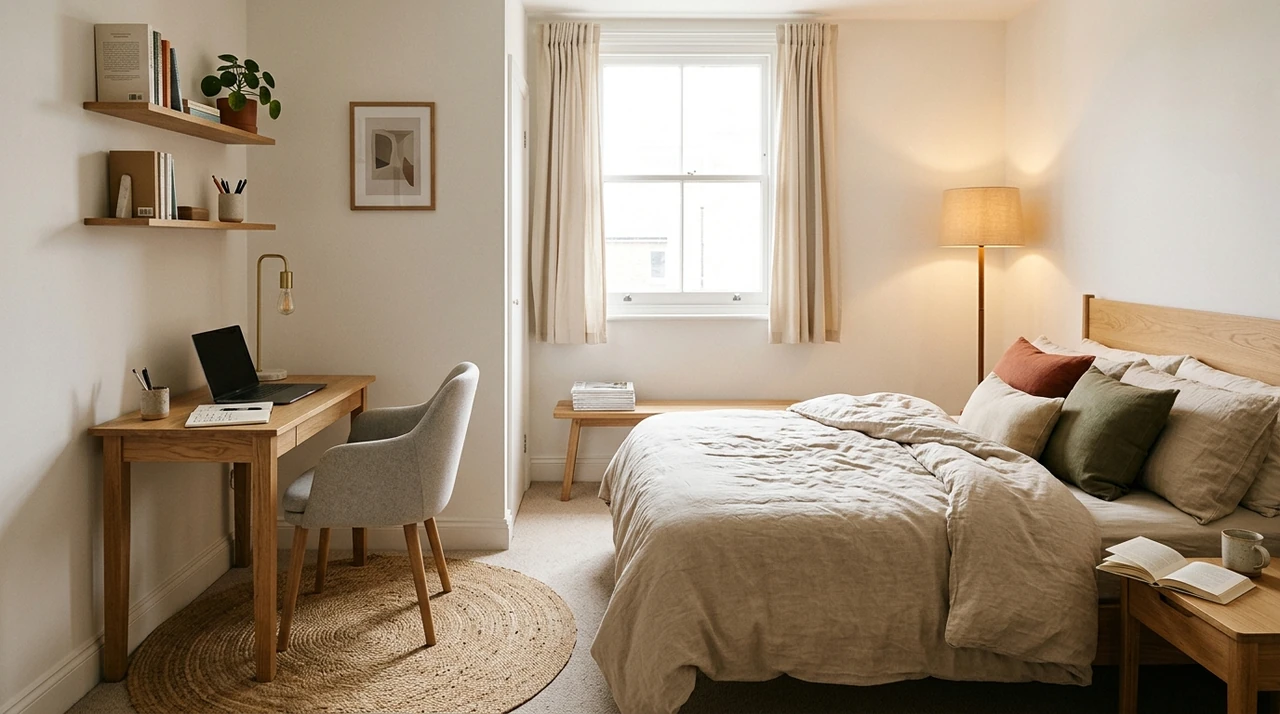
Your workspace isn't the only thing that matters.
If you're working in a bedroom, you still need to sleep there. If you're working in a living room, people may still need to use the room for other things.
Don't arrange the entire room around your desk if that makes everything else harder.
Think about the room's other jobs.
Can someone open the closet?
Can you walk around the bed?
Can you reach the window?
Can you use the rest of the room without moving your chair every time?
Can you clean the floor without having to move several pieces of equipment?
A workspace that works by itself but makes the rest of the room difficult to use isn't really a successful small-space setup.
Fix Your Ergonomics Before Adding More Accessories
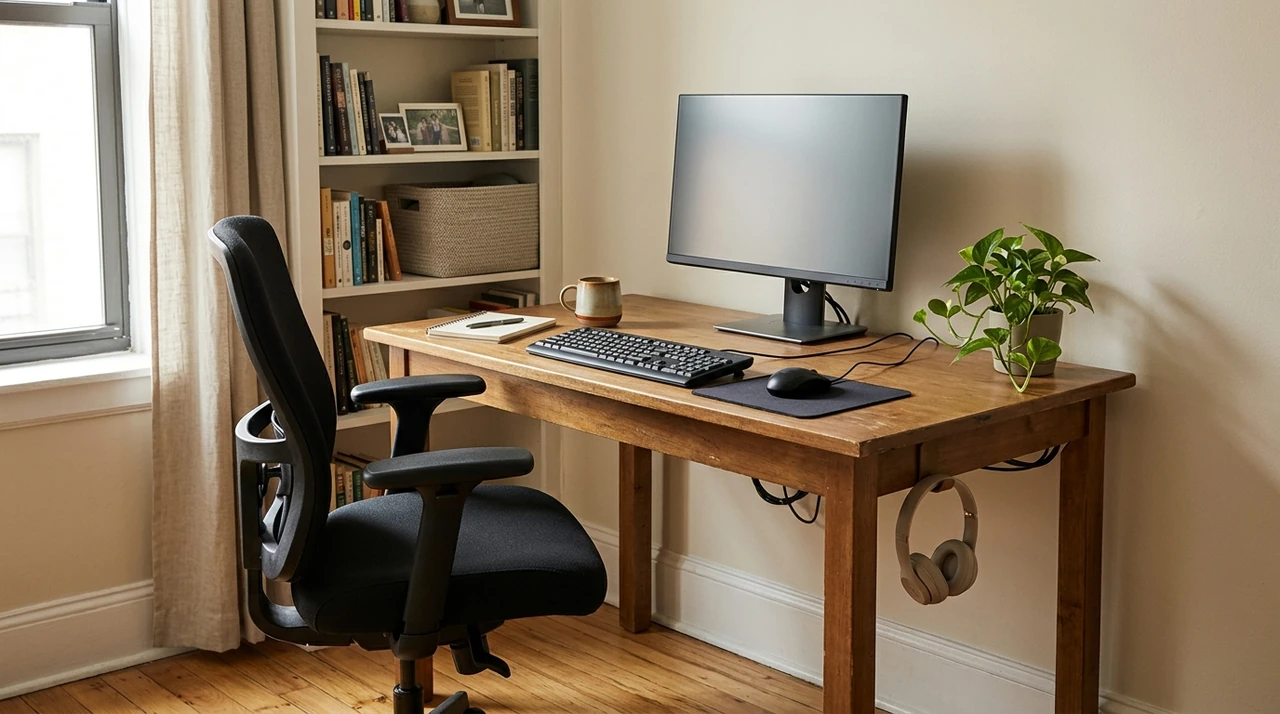
It's easy to spend money on accessories before fixing the basic relationship between your chair, desk, monitor, keyboard, and mouse.
Start there.
Your chair should allow you to sit comfortably with your feet supported. Your keyboard and mouse should be positioned so your arms and wrists aren't constantly forced into awkward positions.
Your monitor should also be positioned so you're not spending the day looking significantly upward or downward.
OSHA's guidance on computer workstation positions describes a neutral working position where the body is naturally aligned, including keeping the head balanced, shoulders relaxed, wrists reasonably straight, and elbows close to the body.
NIOSH's guidance on working from home similarly recommends paying attention to seating, monitor placement, keyboard and mouse position, and changes in posture when setting up a home workstation.
You don't need to buy an expensive ergonomic setup to start making improvements.
Sometimes the better solution is simply raising your laptop, moving your monitor, adjusting your chair, or changing where your keyboard sits.
Keep Your Cables From Taking Over Your Workspace
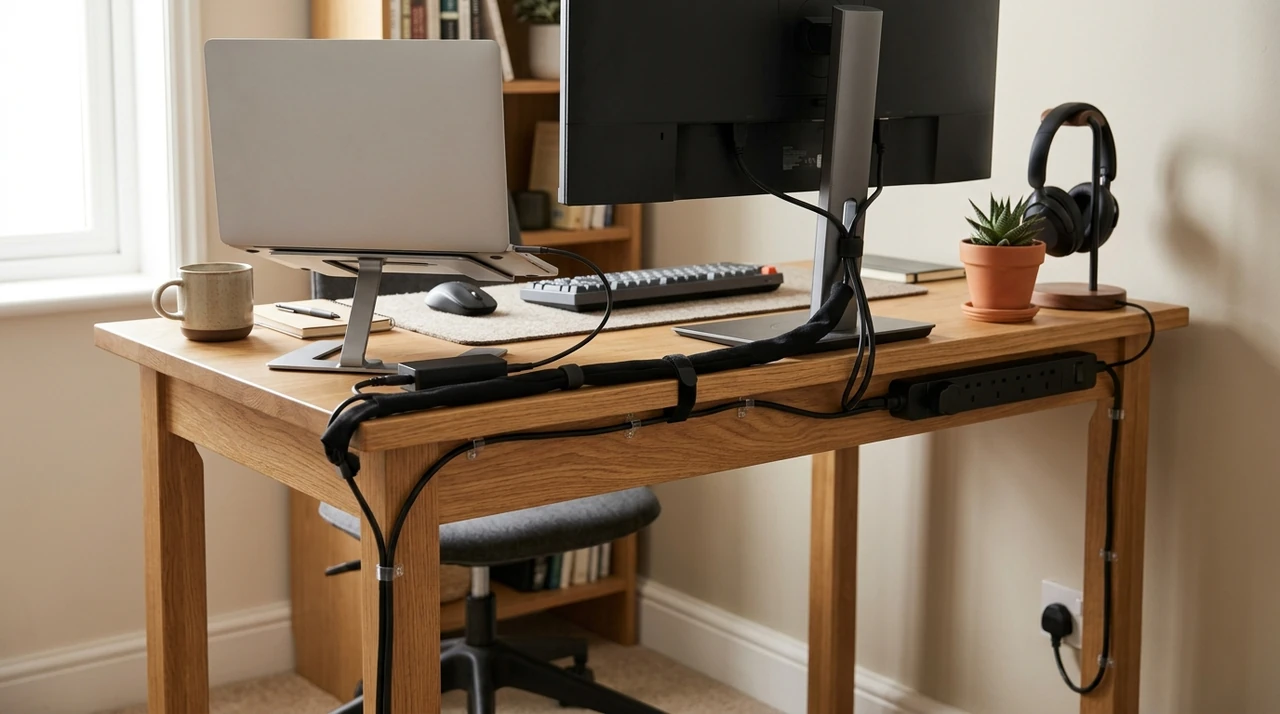
Cable management becomes more important as your workspace gets smaller.
A cable that would barely be noticeable in a large office can become a tripping hazard or visual mess when your desk is squeezed into a corner.
Start by deciding where your devices need power.
Then plan the cable route before attaching anything permanently.
Keep cables away from walking paths whenever possible. Group cables that travel in the same direction, and use clips, sleeves, or simple cable ties to keep them controlled.
You don't need an elaborate cable-management system.
You just need to prevent cables from becoming another thing you have to work around.
Know When Your Small Desk Is Too Small
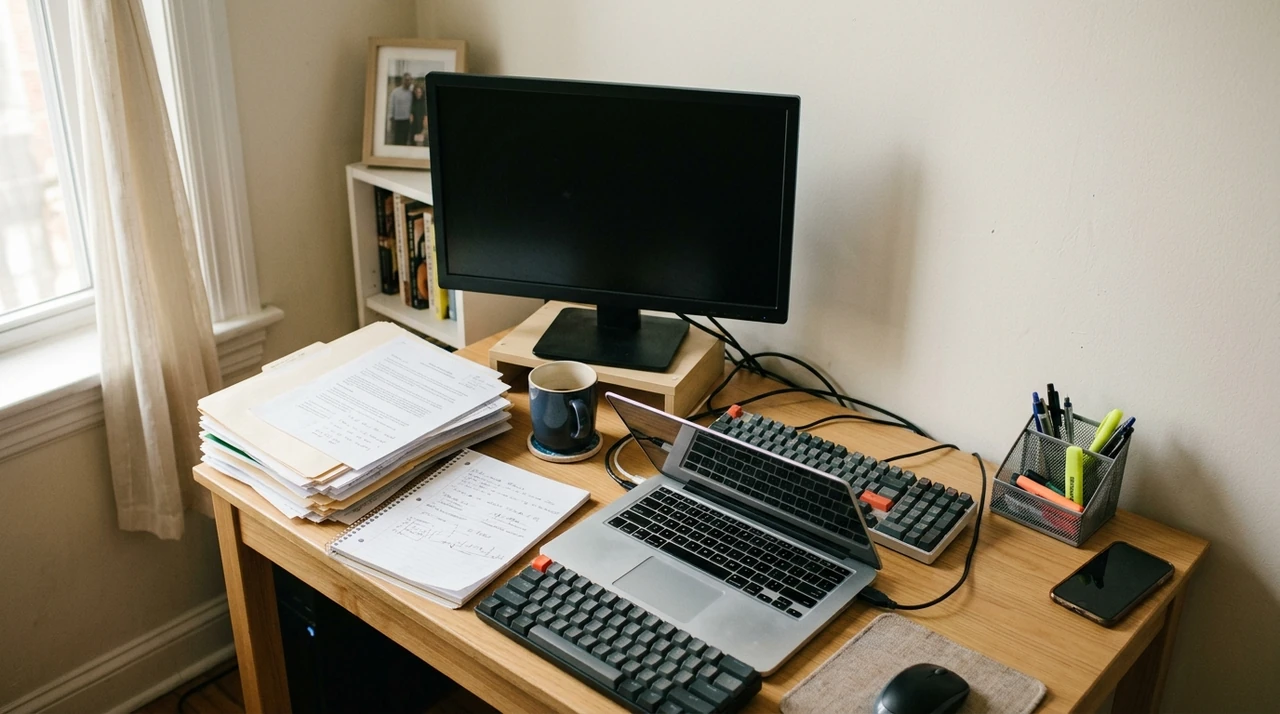
There's a point where making a desk smaller stops helping.
If you constantly have to move your keyboard to make room for your notebook, push your monitor backward to find space for a laptop, or stack equipment on top of other equipment, the desk may simply be too small for your work.
That's an important distinction.
A compact desk should save space without making normal work difficult.
If you're regularly running out of surface area, consider whether you can
- Remove equipment you rarely use
- Move storage off the desktop
- Use a monitor arm
- Switch to a smaller accessory
- Store paperwork elsewhere
- Rearrange the desk
- Move to a slightly larger desk
Sometimes giving up a few extra inches of floor space creates a much more usable workspace.
Give Your Work a Place to Go When You're Done
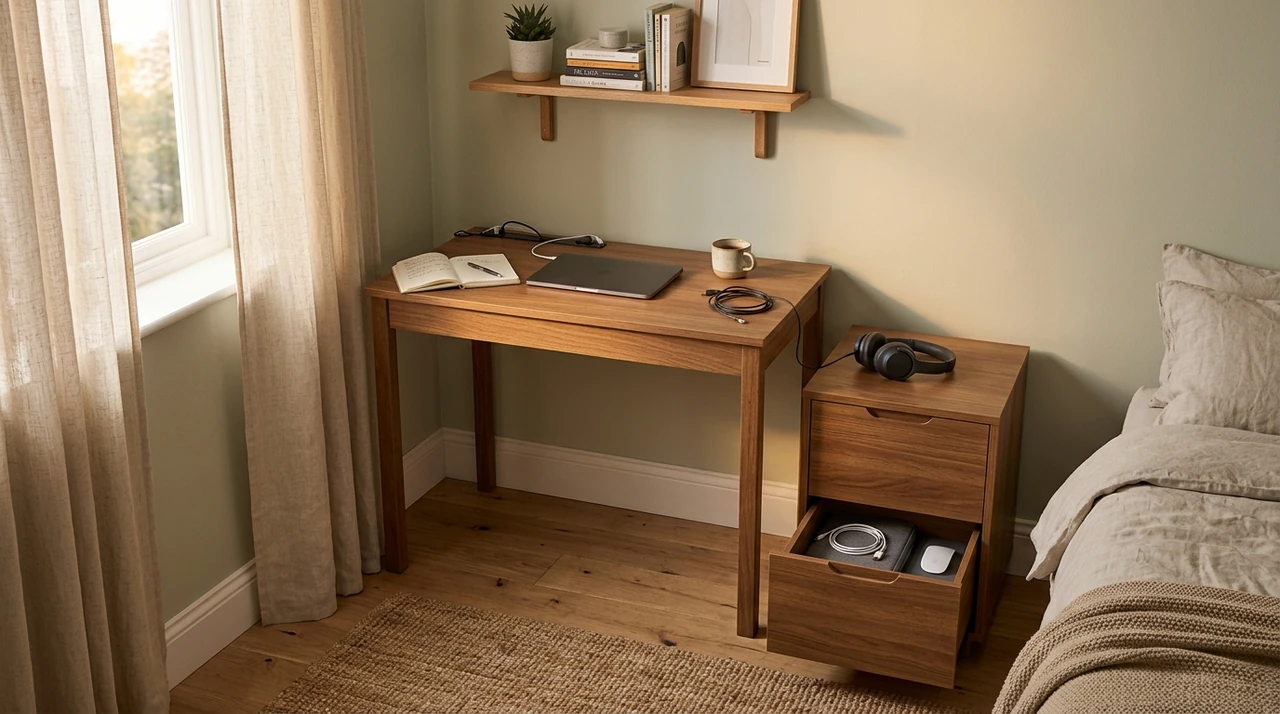
If your workspace shares a room with your personal life, think about what happens when you're finished working.
Where does the laptop go?
Where do notebooks go?
Where do cables go?
Where do documents go?
You don't necessarily need to pack everything into a cabinet every evening. But you should have a defined place for the things that don't need to remain on the desk.
This is especially useful when your desk is in a bedroom or living room.
A drawer, shelf, storage box, or cabinet can give you somewhere to move work-related items when the workday ends.
The goal is simple: your workspace should be able to switch off when you do.
Check Your Workspace Before You Call It Finished
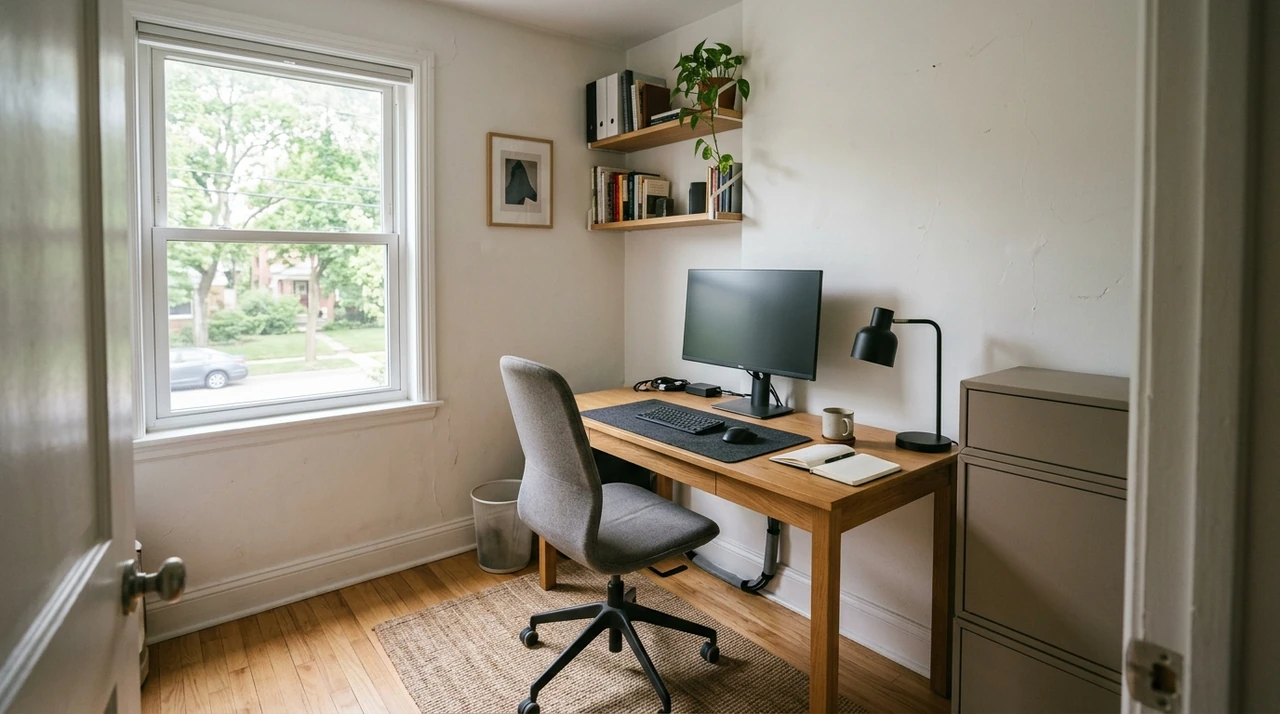
Before you buy anything else, spend a normal workday using the setup.
Then check:
- Can you sit down without blocking a walkway?
- Can you comfortably pull your chair out?
- Does your desk have enough space for the work you actually do?
- Can you reach your keyboard and mouse without stretching?
- Is your monitor positioned comfortably?
- Does natural light create glare?
- Do you have enough light when the sun goes down?
- Are cables out of walking paths?
- Can you reach the things you use regularly?
- Can you store the things you don't use regularly?
- Can the rest of the room still function normally?
- Can you put your work away when you're finished?
If you answer "no" to several of these questions, don't immediately buy another accessory.
First look at the layout.
A better position can sometimes solve a problem that a new product would only hide.
You Don't Need a Bigger Room to Build a Better Workspace
A good small workspace isn't the one that fits the most equipment into the smallest room.
It's the one that gives you what you need to work without making the rest of the room harder to live in.
Start with the space you already have. Measure it. Find the location that creates the fewest conflicts. Choose furniture based on your actual work. Use the walls when you need more storage, control your lighting and cables, and make sure your chair and equipment work together.
You can always add more later.
You don't need to solve everything on the first day.
In a small room,
“what you leave out can be just as important as what you put in”