
Workspace
How to Organize Your Desk Without Creating More Clutter
A well-organized desk doesn't need dozens of organizers. Learn how to decide what belongs on your desk, where everything else should go, and how to keep clutter under control.
By Ronald Dadivas · Published 7 August 2026 · Updated 30 September 2026
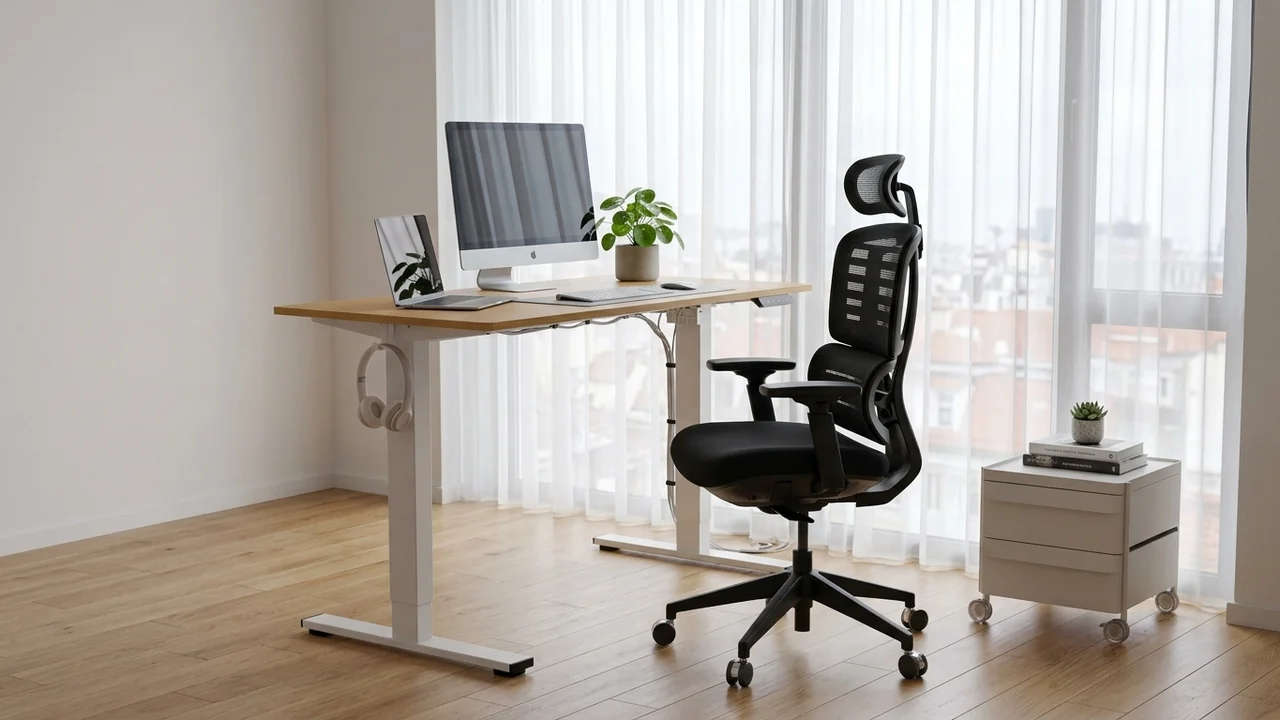
A desk can become cluttered surprisingly quickly.
A notebook gets left beside the keyboard. A charging cable stays on the desk because you might need it later. A few papers turn into a stack, and before long, there is barely enough clear space to work.
The problem isn't always that you have too many things.
Often, things simply don't have a clear place to go.
Organizing your desk is less about making it look perfectly minimal and more about deciding what deserves space, what should be stored elsewhere, and what you can remove altogether.
Here's a practical way to organize your desk and keep it that way.
Start by Clearing Your Desk
Before you start organizing, take everything off your desk.
Move your monitor, keyboard, mouse, notebook, accessories, papers, cables, and other loose items somewhere safe for a few minutes.
Starting with a clear surface makes it easier to see what you're actually dealing with.
Don't organize everything as you remove it. Just get the desk clear.
Once you've done that, you'll have a much better idea of how much space you actually have and how much of it was being used by things you rarely touch.
Decide What Actually Belongs on Your Desk
Now go through everything you removed.
For each item, ask yourself:
- Do I use this every day?
- Do I use it while I'm working?
- Do I need it within easy reach?
- Could I keep it somewhere else?
- Do I still need it at all?
This gives you a simple way to separate useful items from things that have simply accumulated.
Your desk doesn't need to hold everything you might use eventually.
It needs to support what you actually do there.
Keep the Things You Use Most Within Easy Reach
The items you use throughout the day should be the easiest to reach.
That might include your keyboard, mouse, notebook, pen, headphones, or phone, depending on your work.
Things you use less often don't need to occupy your most valuable desk space.
Think of your desk in terms of priority.
Daily-use items should be closest.
Occasional-use items can go in a drawer, on a shelf, or somewhere nearby.
Rarely used items can be stored farther away.
This simple approach prevents your entire desk from becoming one large storage area.
Move Everything Else Into Its Own Place
Once you've decided what belongs on your desk, figure out where everything else should live.
A desk becomes difficult to maintain when it is the default home for anything that doesn't have another place.
Use a drawer for small supplies.
Use a shelf for books and items you don't need every day.
Use a cabinet or storage box for things you rarely use.
The exact storage solution isn't important.
What matters is that you know where something belongs when it isn't being used.
Keep Your Desk Clear Without Making It Empty
An organized desk doesn't have to be completely bare.
You may need a notebook, desk lamp, speakers, headphones, or other equipment within reach.
That's fine.
The goal is to leave enough usable space for the work you actually do.
For example, if you regularly write notes by hand, you should have somewhere to write without moving half your desk every time you pick up a pen.
A useful desk is allowed to look like someone works there.
It just shouldn't make working harder.
Organize Your Cables Before They Become a Mess
Cables are easy to ignore until they start taking over the desk.
Start by identifying which cables you actually use.
You may have cables for your monitor, laptop, phone, headphones, keyboard, mouse, speakers, or external storage.
Keep the cables you use regularly routed toward the devices they belong to. Store extras somewhere else.
Simple clips, sleeves, or ties can help keep frequently used cables under control.
You don't need an elaborate cable-management system.
The goal is simply to keep cables from becoming another source of clutter.
Give Your Papers a Clear System
Paperwork can quickly turn into permanent desk clutter.
Instead of creating one large pile, give papers a simple destination.
You can separate them into:
- Action: Something you still need to deal with
- Keep: Something you need to retain
- Recycle: Something you no longer need
If you rarely handle paper, you may only need a single folder or tray.
If paperwork is part of your daily work, you may need a more structured system.
Either way, don't let every piece of paper become a permanent part of your desk.
Use Drawers and Shelves to Free Up Your Desk
If your desk is small, the solution isn't always a smaller collection of belongings.
Sometimes you simply need to move things off the desktop.
A nearby shelf can hold books and supplies.
A drawer can hold smaller items.
A monitor arm can free up space underneath the display.
A wall-mounted organizer can move accessories away from the main work surface.
Look at the space around your desk as part of your organization system.
Your desktop is only one storage area. It doesn't have to do all the work.
Don't Buy Desk Organizers Until You Know What You Need
It's tempting to buy organizers as soon as your desk starts looking messy.
But storage can also give clutter a nicer place to hide.
Before buying a tray, drawer unit, cable box, pegboard, or desktop organizer, figure out what problem you're actually trying to solve.
If pens keep spreading across your desk, you may need a small holder.
If cables keep falling behind the desk, a few cable clips may be enough.
If accessories are taking up too much space, moving them into a nearby drawer may solve the problem.
Buy storage because you have a specific need, not because an organized desk setup happens to contain it.
Organize Your Desk Around the Work You Actually Do
Your ideal desk setup depends on your work.
A writer may need space for notebooks and reference material.
A designer may need room for a drawing tablet or other equipment.
Someone working with multiple displays may need more space around the keyboard and mouse.
A laptop user may need very little equipment at all.
Don't organize your desk according to someone else's setup.
Look at a normal workday and ask:
What do I actually use?
Then organize around that answer.
The best organization system is usually the one that fits naturally into your routine.
Keep Your Main Work Area Free
Once you've decided what belongs on your desk, protect the area you use most.
Your keyboard, mouse, monitor, and the space immediately around them should remain usable.
Don't gradually fill this area with paperwork, accessories, storage containers, or other items simply because there happens to be room.
A desk can look organized while still being difficult to work at.
If you constantly have to move something before you can type, write, use your mouse, or switch between tasks, the organization system needs another look.
Use Vertical Space When Your Desk Is Small
When you don't have much desktop space, look above and beside the desk.
Shelves, pegboards, hooks, and narrow storage can help keep useful items nearby without putting everything on the work surface.
This is particularly helpful in small workspaces where every inch of desk space matters.
But don't fill every available wall simply because you can.
Use vertical storage for things that need to stay nearby but don't need to sit on the desk
Give Frequently Used Accessories a Consistent Home
Small items are often responsible for a surprising amount of desk clutter.
Pens disappear.
Headphones get left beside the monitor.
Charging cables end up in different places.
A simple solution is to give frequently used accessories a consistent home.
Your headphones might hang from a hook.
Your notebook might always sit beside your keyboard.
Your most-used charging cable might have one specific place.
The system doesn't have to be complicated.
It just needs to be predictable.
When something has a home, putting it away becomes much easier.
Don't Let Your Desk Become General Storage
This is one of the most important rules to keep in mind.
If you don't know where something belongs, the desk becomes the easiest place to put it.
That's how clutter returns.
A package waiting to be returned, old paperwork, unopened mail, spare electronics, and random household items can slowly turn your workspace into a storage surface.
When you notice something unrelated to your work appearing on your desk, decide where it actually belongs.
Your workspace should support your work, not become the storage area for the rest of the room.
Create a Simple Five-Minute Desk Reset
You don't need to reorganize your entire desk every evening.
A short reset is usually enough.
At the end of your workday:
- Put away anything that doesn't belong on the desk.
- Return frequently used items to their normal places.
- Deal with loose papers.
- Put away spare cables and accessories.
- Clear enough space for your next work session.
The goal isn't to make the desk look perfect.
It's to prevent small amounts of clutter from becoming a much bigger problem.
Don't Try to Keep Your Desk Perfect
A desk is a working surface.
It's going to get used.
You may have an open notebook, a few papers, a water bottle, or headphones sitting beside your monitor during a busy day.
That's normal.
The goal isn't to maintain a perfect desk all day.
The goal is to make it easy to find what you need, give important things a consistent home, and return the desk to a usable state when you're finished.
An organized desk should make your work easier, not give you another thing to worry about.
Use This Simple Desk Organization Checklist
Before you finish, take a quick look at your workspace.
Ask yourself:
- Does everything on my desk have a reason to be there?
- Are the things I use most within easy reach?
- Is there enough clear space to work comfortably?
- Do papers have a specific place to go?
- Are extra cables stored somewhere else?
- Do frequently used accessories have a consistent home?
- Am I using drawers and shelves effectively?
- Have I removed things I no longer need?
- Can I reset the desk in a few minutes?
- Does this organization system actually fit the way I work?
If most of the answers are yes, you probably don't need another organizer.
You need to keep using the system you've created.
A Well-Organized Desk Should Make Work Easier
You don't need a perfectly minimal desk to have an organized workspace.
You need to know what belongs there, where everything else should go, and how to keep unnecessary clutter from slowly taking over.
Start by clearing the desk.
Decide what you actually use.
Keep those things within easy reach, give everything else a place to go, and avoid buying storage until you know what problem you're trying to solve.
Then build a simple reset into your routine.
The goal isn't a desk that looks perfect in a photo.
It's a desk that lets you sit down, find what you need, and get to work without fighting the clutter.